Create a sub-user
Choose how it connects, its username and its regions.
Create a sub-user for each person or app that needs its own access. You can create up to 5 sub-users by default (see Limits).
In the sidebar, open Subusers and select Create Subuser.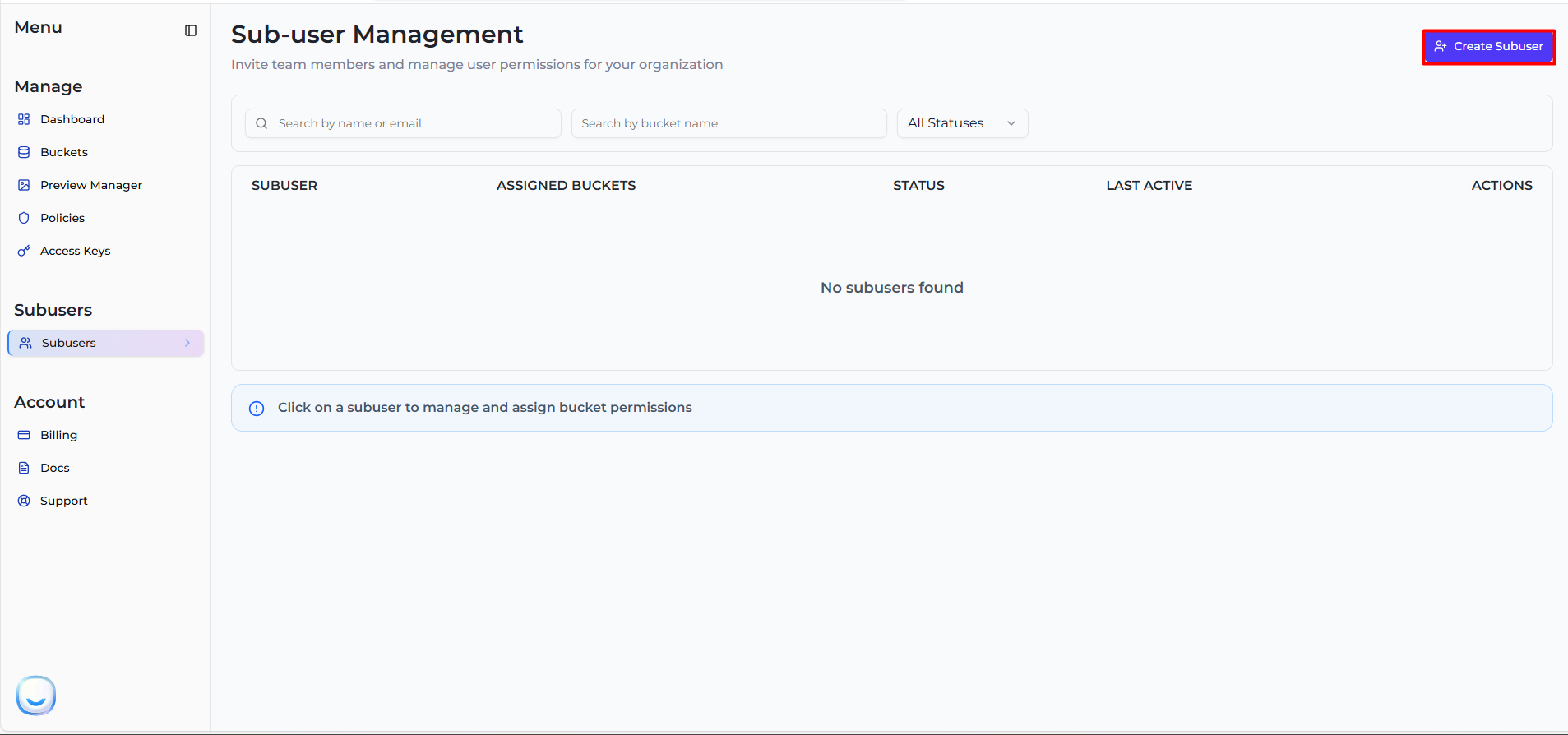
Under Access Type, choose:
- Programmatic access only — access keys for S3 tools and apps. No dashboard login, no email needed.
- Programmatic + Dashboard access — access keys plus a login to the sub-user dashboard. Needs an email address for the invitation.
See Access types and permissions for the difference. You can give a programmatic sub-user dashboard access later.
The username starts with a fixed prefix made from your account (for example sub1a2b-). Type the rest: letters, numbers, dot (.), underscore (_) and dash (-) only. The whole username can be up to 64 characters and must be unique across Zata.
For Programmatic + Dashboard access, enter the person's email address under Email. The invitation goes there.
Under Regions, tick Mumbai, Indore or both. The sub-user gets a separate key pair in each region, and can only be given buckets in its regions. You can change regions later.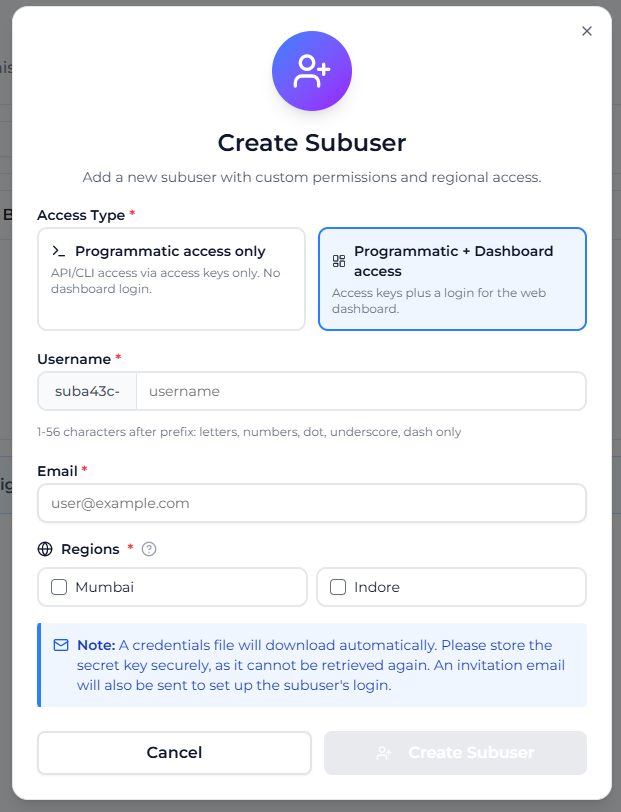
Select Create Subuser. A credentials file downloads automatically, and the dialog changes to Subuser Created, showing the access key and secret key for each region. Select Download Again if you need another copy, then Done.
Save the credentials file now. Zata never shows the secret keys again. If a secret key is lost, rotate that key.
The credentials file contains the sign-in URL, the username, the email, and for each region the service URL (https://idr01.zata.ai or https://bom01.zata.ai), access key and secret key.
After you create it
The new sub-user appears in the Sub-user Management list.
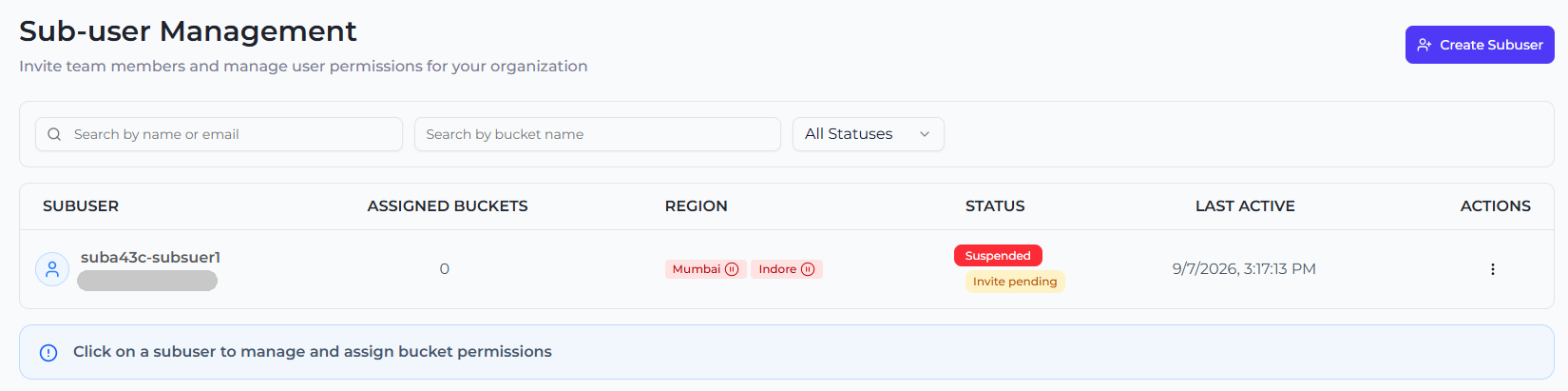
- A Programmatic access only sub-user is Active straight away. Its keys work at once.
- A Programmatic + Dashboard access sub-user gets an invitation email and shows Suspended with Invite pending until it accepts. Until then, its keys do not work either. See Invitations.
Either way, the sub-user cannot reach any bucket yet. Next, assign a bucket.
If you see "Subuser limit reached", delete a sub-user you no longer need or contact support.