> For the complete documentation index, see [llms.txt](https://docs.zata.ai/llms.txt). Markdown versions of documentation pages are available by appending `.md` to page URLs; this page is available as [Markdown](https://docs.zata.ai/subusers/subuser-portal/preview-manager.md).
# Media (Preview Manager)
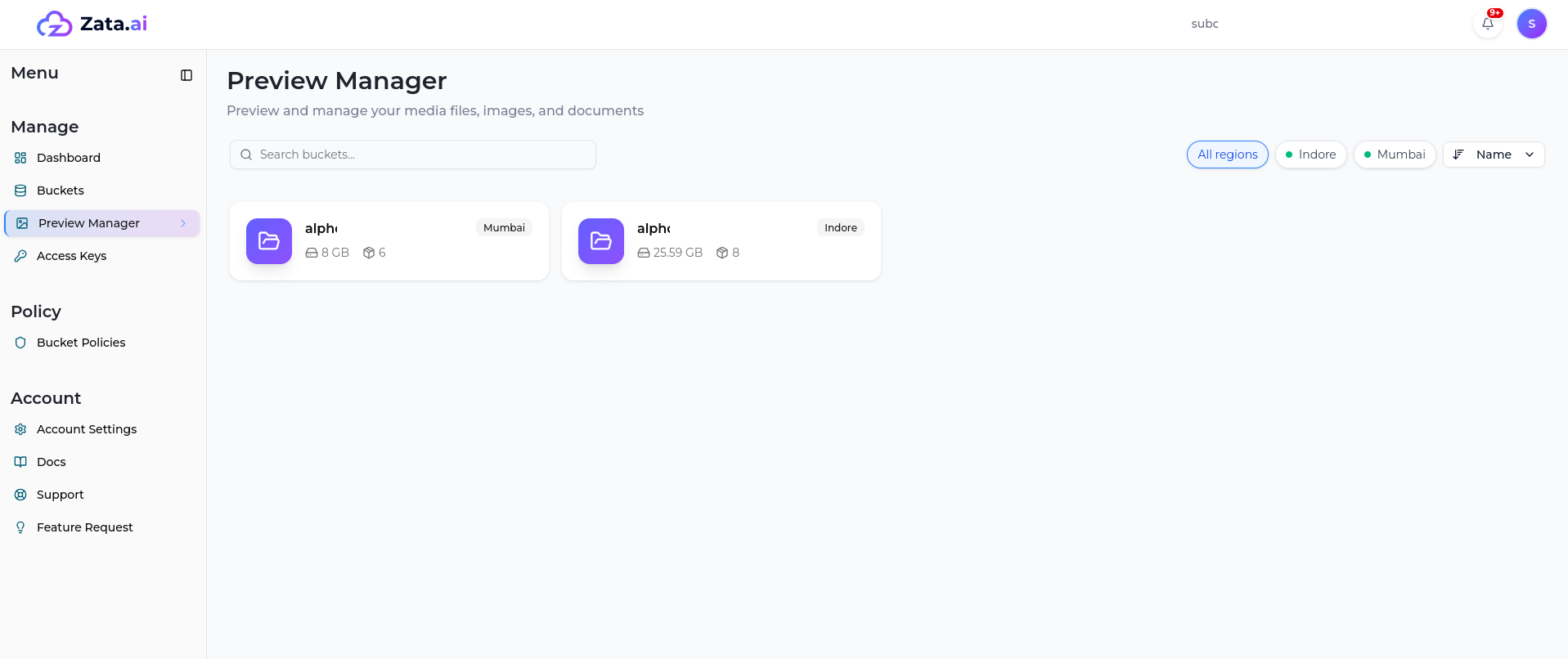
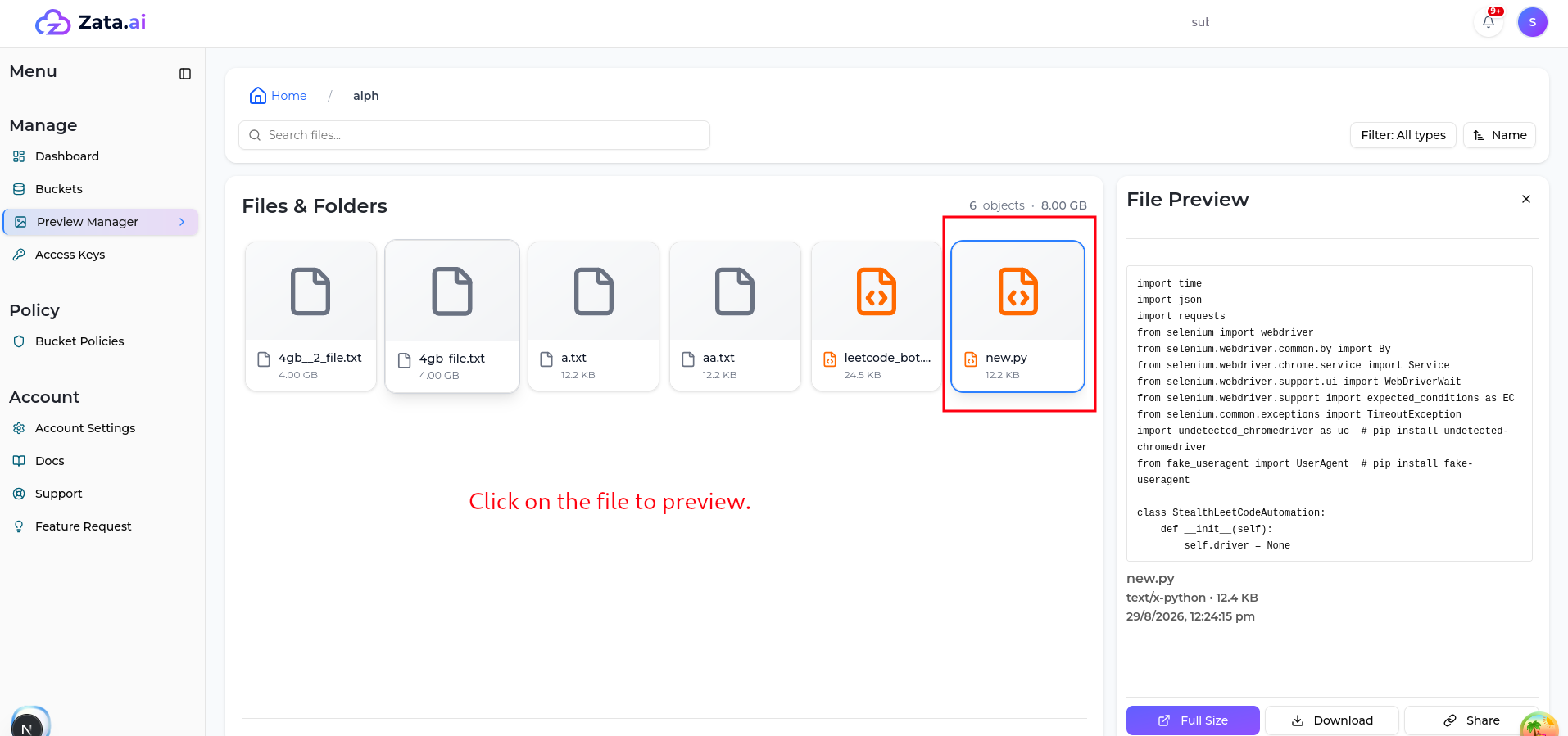
Lets the subuser browse and preview files inside the buckets they have access to, scoped the same way as the Buckets page. Supported inline previews include images, videos, PDFs, and Office documents (Word, Excel, PowerPoint) — other file types can still be downloaded but won't render inline. What a subuser can do with a given file (view vs. download) follows the same access rule as the rest of that bucket.